Guide
Build Your First AI Skill in an Hour
A Skill is a small folder of instructions Claude reads automatically the moment your request matches. Build one in an hour. No coding.

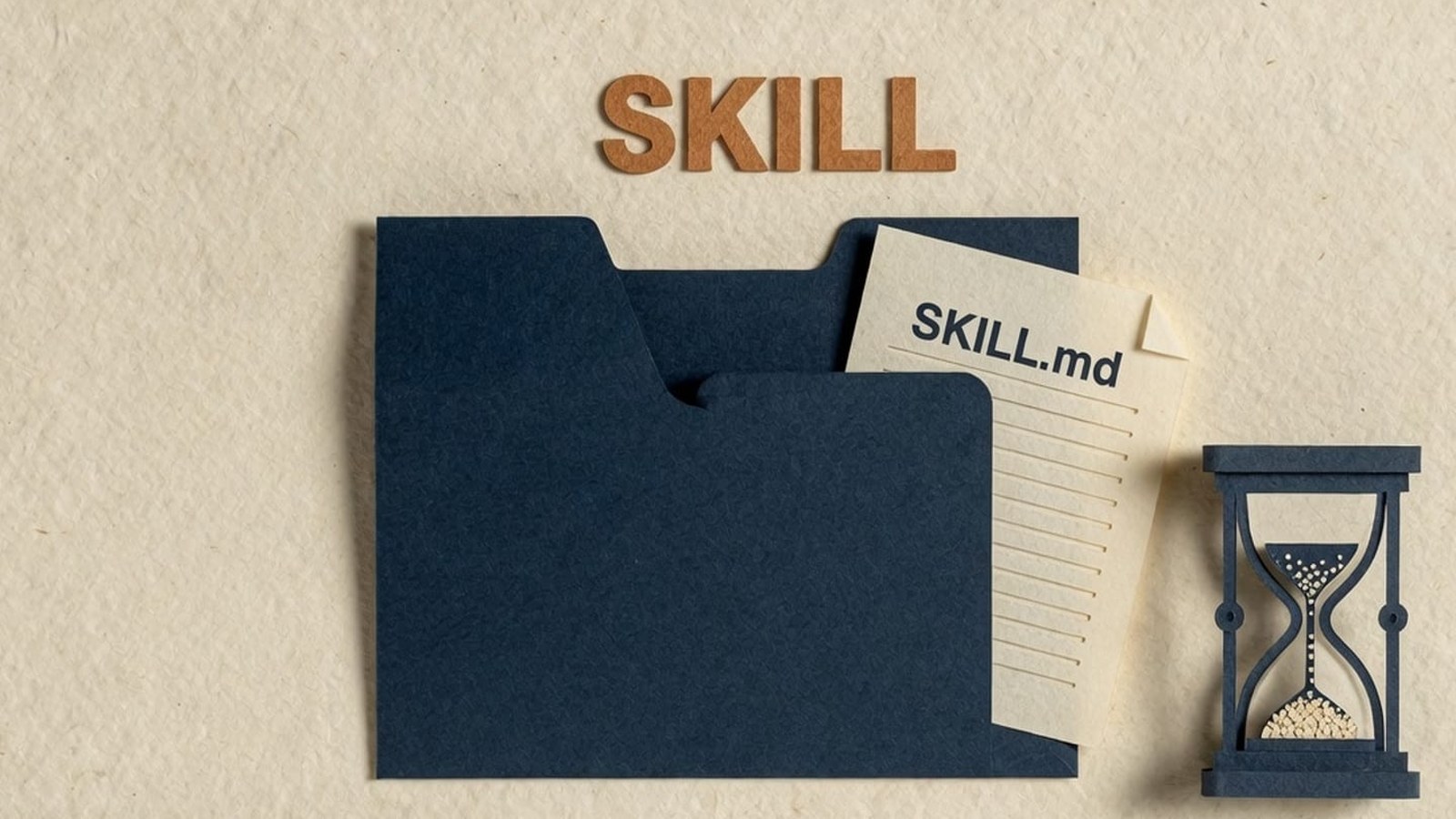
A Skill is a small folder with one required file, SKILL.md, that Claude reads automatically the moment your request matches the description. You build it once. Claude uses it every time after that, in any chat. Custom Skills need Pro, Max, Team or Enterprise; the free tier can use Anthropic’s pre-built Skills once code execution is on. No coding — you can build the entire thing through conversation.
Every business has a handful of tasks that get redone the same way, over and over: the weekly report that always needs the same five sections, the client email that always needs the same disclaimers, the social caption that always needs to sound like your brand and not like a chatbot. Most people manage this by keeping a template in a doc somewhere and re-explaining the rules to Claude every time they need it.
Claude Skills remove that step. A Skill is a small folder of instructions that Claude reads automatically the moment your request matches what the Skill is for — no copy-pasting a brief into the chat, no re-explaining your formatting rules, no hunting for the right template. You build it once. Claude uses it every time after that, in any chat.
This is a straight, timed walkthrough: what a Skill is, what you need before you start, and a real hour-by-hour build of a working Skill you can adapt today. No coding background required. If the three-word stack is still fuzzy, start with Agents, MCP and Skills, explained — then come back and build one.
What you’re actually building (60 seconds)
A Skill is a folder containing one required file, SKILL.md, and optionally a few extra folders for scripts, reference documents, or templates. SKILL.md starts with two lines that matter more than anything else in the file: a name and a description. Claude keeps every installed Skill’s name and description loaded in the background at all times — that’s how it knows a Skill exists. The moment your request matches a description, Claude reads the rest of that file and follows it.
This is why Skills stay lightweight even if you build a dozen of them: Claude only loads the full instructions for the one Skill it actually needs, when it needs it. Anthropic calls this “progressive disclosure,” and it’s the reason Skills can bundle a lot of detail — extra reference files, checklists, even runnable scripts — without slowing anything down or cluttering every conversation.
Skills work across every Claude surface as of mid-2026: claude.ai (chat), Claude Code, Claude Cowork, and the Claude API and Developer Platform. The free tier of claude.ai can use Anthropic’s own pre-built Skills (Word, Excel, PowerPoint, PDF) once code execution is switched on in Settings. Uploading your own custom Skill — the kind this guide walks through — needs a Pro, Max, Team or Enterprise plan.
Before you start
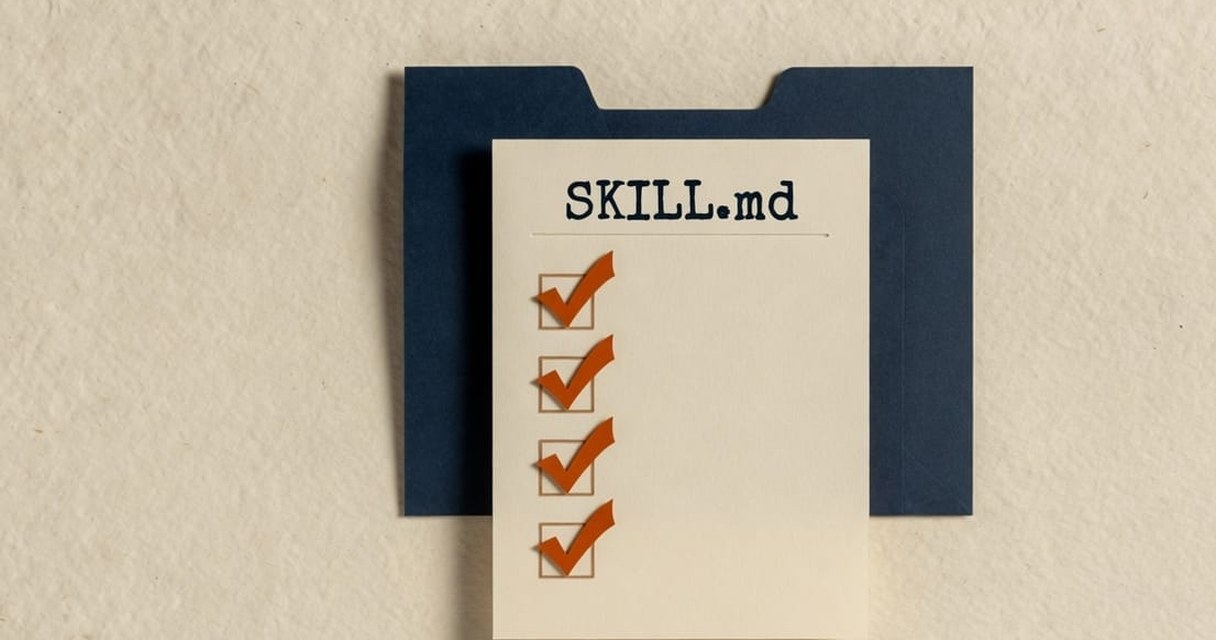
Three things, and none of them involve writing code:
- 01
A Claude account with code execution turned on
Go to Settings > Capabilities and toggle “Code execution and file creation.” This unlocks the Skills section.
- 02
One real task you do often
Not “help with marketing” — something specific enough to test: “check this copy against our brand voice before it goes out,” or “format this week’s numbers into our usual report layout.”
- 03
One example of good output
A past report, email or piece of copy you were happy with. Claude uses this to understand your standard, not just your instructions.
If you’re doing this with a team rather than solo, decide upfront who owns the Skill afterwards — someone needs to update it when the process changes.
Minutes 0–5: pick the one task
Use a simple filter for whether a Skill is worth building: have you done this task at least five times, and will you do it at least ten more? If yes, it’s a Skill. If it’s a one-off, just prompt Claude directly instead — a Skill you’ll use twice is wasted effort.
For this walkthrough, we’re building a brand voice checker: something that reviews any piece of marketing copy against a set of house rules and flags what needs to change before it ships.
Minutes 5–15: name it and write the trigger
Open a new Claude conversation and say roughly this: “I want to build a Skill that checks marketing copy against our brand voice rules before we publish it.” Claude will ask what those rules are, what counts as a pass or fail, and whether you have examples. Answer as if you’re briefing a new hire who’s capable but has never seen your style guide before.
Behind the scenes, Claude is drafting two fields that decide everything:
- name: lowercase, hyphenated, short —
brand-voice-checker. - description: the single most important sentence in the whole file. It has to say what the Skill does and when to use it, in Claude’s own words. A weak description (“Checks brand voice”) barely triggers. A strong one names the actual triggers: “Reviews marketing copy — emails, social posts, web copy, ads — against our brand voice rules and flags deviations with specific fixes. Use whenever asked to check, review, or edit copy for tone, banned words, or house style before it’s published.”
A weak description barely triggers. A strong one names the actual words a person would type.
Minutes 15–35: write the instructions body
This is the bulk of the file: your actual rules, in a format Claude can follow consistently. Give Claude the specifics — your tone, your spelling convention, your banned words, your claim-sourcing rules, whatever “good” means for your business. Ask Claude to structure it as a clear process: read the copy, check it line by line against the rules, quote the exact issue, explain which rule it breaks, and suggest a fix. Then define what the output should always look like — a verdict, a list of issues, and a clean rewrite.
Minutes 35–50: build it with Claude
You have two ways to get from here to a working Skill. Either write the SKILL.md file yourself, or keep doing what you’ve been doing for the last half hour: describe it, upload your example, and let Claude structure and package it. Claude uses its own skill-creator process to do this — you’ll see it noted in Claude’s thinking as it drafts the file, organises anything you uploaded, and packages the result into a Skill you can save.
Minutes 50–60: test it and fix what’s off
Open a fresh chat (not the one you built it in) and paste in a real piece of copy — ideally something you know has problems. Ask Claude to check it. You should see Claude recognise the task and apply the Skill without being told which one to use. If it doesn’t trigger, the description is too vague — go back and add the exact phrases people actually type. If it triggers but the output is off, tighten the instructions, not the description.
Test one more thing before calling it done: something related that shouldn’t trigger the Skill, like “write me a caption from scratch.” A well-scoped Skill stays quiet when it isn’t the right tool.
The full example: a brand voice checker Skill
Here’s a complete, working SKILL.md you can copy and adapt with your own rules. Everything in that file is editable. Swap in your own tone rules, your own banned words, your own spelling convention, and the Skill becomes yours.

What happens after the hour is up
A Skill isn’t finished the moment it works once. Use it for a week, notice where it gets confused, and update the instructions — not the whole file, just the part that caused the problem. If you’re on a Team or Enterprise plan, share it with colleagues once you trust it; sharing is off by default and an owner has to switch it on.
This is also the point where one Skill tends to become several. A brand voice checker gets a sibling for report formatting, then a sibling for meeting notes, then a small library that covers most of what your team repeats every week. LOKAL’s own Claude for Marketing training walks through exactly this progression — agents, MCP connections and Skills — using LOKAL’s library of roughly 40 production Skills as the reference set. The Project that a Skill sits inside is the Campaign Brain.
Common mistakes first-timers make
- Writing a vague description. “Helps with marketing” won’t trigger reliably. Name the actual task and the actual trigger phrases.
- Trying to do too much in one Skill. A Skill that checks brand voice and formats reports and writes captions is three Skills wearing one coat. Split them.
- Skipping the output format. Without a defined structure, you’ll get a slightly different answer shape every time, which defeats the point.
- Never testing the “shouldn’t trigger” case. If you only test the happy path, you won’t notice a Skill that’s activating when it shouldn’t.
LOKAL has trained more than 5,000 people across the Philippines and Australia since 2017 on exactly this kind of practical AI adoption, with a 98% satisfaction rate across corporate clients — including one enterprise rollout where 72% of 4,000 staff were using AI weekly within 30 days. As a member of the Claude Partner Network, LOKAL runs its own agency on Claude day to day, which is a large part of why we chose Claude over ChatGPT as our primary tool.
If you’d rather build your first Skill in a room with people asking the same questions you are, LOKAL’s Claude for Marketing training covers agents, MCPs and Skills hands-on, and our broader AI training programs in the Philippines and AI workshops take this same method to whole teams. If you’re past the DIY stage and need a rollout scoped to your organisation, get in touch about AI consulting and we’ll help you find the first three Skills worth building.
Keep going: the AI guides hub has the rest of the Claude deep-dives, and the Insights archive carries everything else the team publishes.
FAQ
Common questions
Do I need to know how to code to build a Skill?
No. You can describe the workflow in plain language, upload an example of good output, and Claude will draft, structure and package the SKILL.md file for you.
How is a Skill different from a Claude Project?
A Project holds background knowledge for one workspace — it’s bounded to that Project. A Skill is a portable procedure that fires in any chat, inside or outside a Project, the moment it’s relevant. The Campaign Brain is the Project version of this instinct; this guide is the Skill version.
Where can I actually use a Skill once I’ve built it?
claude.ai, Claude Code, Claude Cowork and the API all support Skills, though custom Skills don’t automatically sync between them — a Skill uploaded to claude.ai needs uploading separately to the API, for instance.
Do I need a paid Claude plan to use Skills at all?
No for Anthropic’s pre-built Skills (Word, Excel, PowerPoint, PDF) once code execution is on in Settings. Yes for a custom Skill you upload — that needs Pro, Max, Team or Enterprise.
What if Claude doesn’t use my Skill when I expect it to?
Check that it’s toggled on, then rewrite the description with the exact words someone would actually type when they need it. Triggering problems are almost always a description problem, not an instructions problem.
Is this actually doable in an hour?
Yes, for one well-scoped task with a clear output format — including testing. Skills that try to cover multiple tasks take longer, which is why the first rule of this walkthrough is picking just one.
Keep reading
Related reading
Done-for-you
Build the next ones in a room, not alone
One Skill, built solo, solves one person’s Monday morning. Claude for Marketing is the hands-on version — agents, MCP and Skills, on your real workflows, in an afternoon.